

Click the button to start reading
Asynchronous Magic: How to Save Time Without Losing Touch
Your calendar begs for mercy, group chats pop like popcorn, and half the team wakes up to fifty “quick questions.”
Sound familiar? It’s the modern productivity tax—and it’s entirely optional. When you lean into asynchronous (async) collaboration, you replace real-time chaos with a steady hum of progress.
Work moves forward while you sleep, teammates clear blockers between school runs, and deep focus finally has a reserved seat on everyone’s schedule.
Ready to weave that kind of magic? Below you’ll find the principles, playbooks, and templates that turn scattered messages into a self-updating orchestra of shared momentum.

1. Why Async Is Your Team’s Superpower
1.1 From Interruption Culture to Flow Culture
In synchronous mode, everyone stops what they’re doing to react now. That surge feels productive but siphons brainpower away from real work. Switch to async and you unlock:
- Focus blocks on demand: You decide when to absorb information, not the blinking cursor that demands attention.
- Accessible conversations: Written threads slow the tempo just enough for introverts, non-native speakers, and time-zone travelers to contribute with confidence.
- Searchable memory: Decisions no longer dissolve into the ether; they’re documented and discoverable.
1.2 The Hidden Cost of Real-Time Reliance
Harvard Business Review pegs context-switching at a 20% productivity drag. Multiply that by every Slack “got a sec?” and weekly stand-up overrun, and you’re paying a fortune in lost deep work. Async isn’t a nice-to-have; it’s your antidote to cognitive fragmentation.
2. The Building Blocks of Effective Async Communication
2.1 Map Your Channel Architecture
Every message needs a runway. Without clear lanes, updates scatter across email chains, chat apps, and mystery spreadsheets. Draft a simple matrix:
| Channel | Purpose | Expected Response Time |
|---|---|---|
| Project board comments | Task-level status, blockers | By next workday |
| Decision log | Architectural or strategic choices | N/A (record only) |
| Chat | Quick clarifications, social glue | Within 2 business hours |
| External or formal comms | Within 24 hours |
2.2 Establish Response Service-Level Expectations (RSLEs)
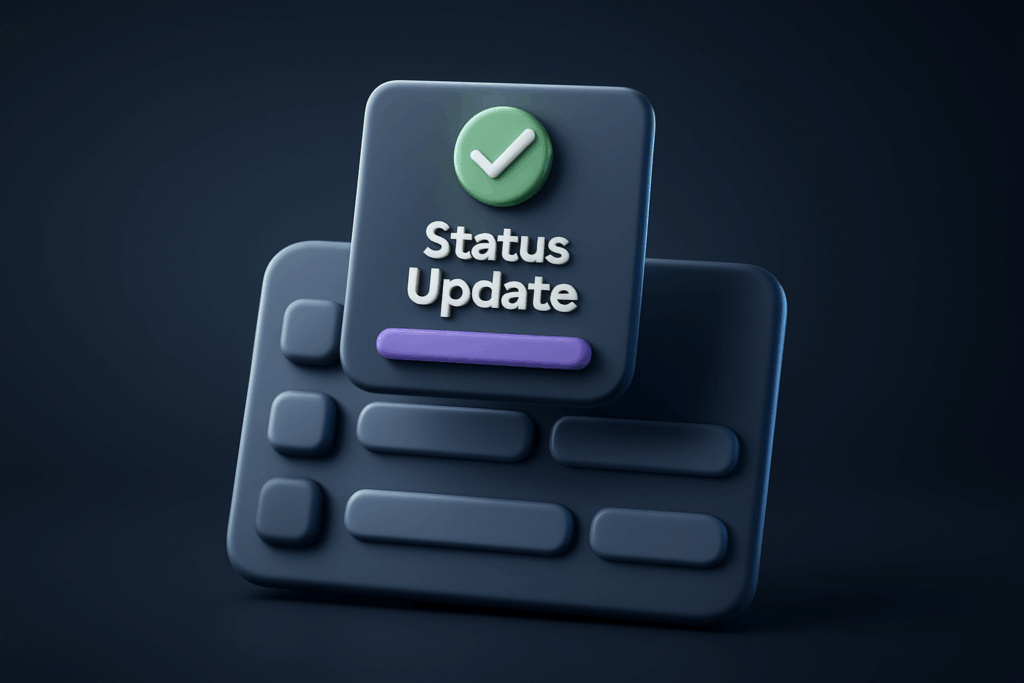
Just like customer support, internal comms deserve SLAs. Agree that status updates drop by 10 a.m. local, feedback arrives inside one business day, and anything truly urgent gets elevated via phone or SMS. Post these RSLEs where new hires can’t miss them.
2.3 Template Everything
Humans love shortcuts. Provide pre-formatted update and request templates so teammates focus on content, not formatting. With one click they can insert sections for Outcome, Impact, and Next Step. Consistency beats charisma when clarity is the goal.

3. Crafting Crisp Async Updates
3.1 The Four-Sentence Formula (Expanded)
- Headline: A seven-word max summary (“Payment API migrated to v2”).
- What changed: Key facts, links, and metrics; embed screenshots or a 90-second Loom if visuals help.
- Impact: Tie to OKRs, customer delight, or risk mitigation so stakeholders instantly gauge relevance.
- Next step / ask: State the single action required—no more guessing.
3.2 Balance Media with Accessibility
Video walk-throughs shine when interfaces matter, but always include captions or a bullet recap for teammates who can’t watch with sound—or who prefer reading at 2× speed. Alt-text isn’t optional; it’s inclusive.
3.3 React, Approve, or Escalate—Fast
Emojis are your async traffic lights: 👍 = looks good, ✋ = needs discussion, 🚀 = ship it. Agree on a simple legend and you’ll cut comment threads in half.
4. Decision Logs: Your Team’s Collective Memory
4.1 Anatomy of a High-Value Log Entry
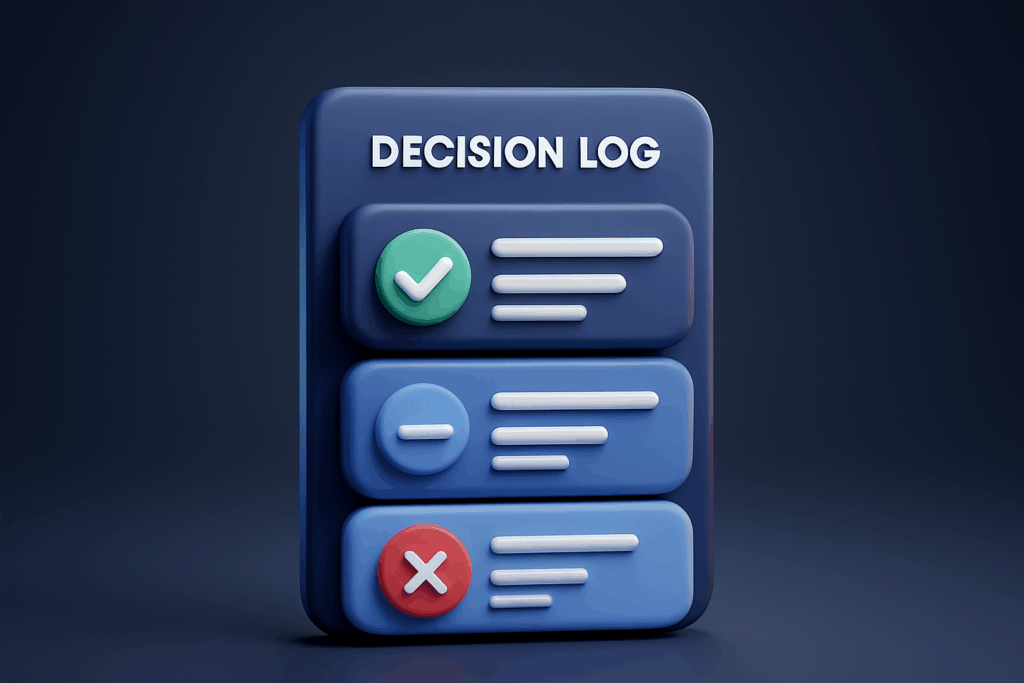
Think of each entry as future-proofing: months from now, new teammates (or forgetful veterans) can retrace the logic. Include:
- Context: “We needed to choose a payment provider compliant with EU PSD2.”
- Options considered: Three bullet points with pros and cons.
- Decision: “Stripe.”
- Owner: Name and role accountable for follow-through.
- Rationale: Data-backed reasoning and stakeholder buy-in.
- Review date: “Re-evaluate in Q3 when transaction volume hits 50k/mo.”
4.2 Where to Store—and How to Surface—Decisions
A Google Doc works on day one, but a purpose-built tool scales better. Teamly software pins each decision card directly to related tasks, so you never dig around dusty folders searching for “final_final_v3”.
4.3 Review Rituals
Schedule a quarterly “decision audit” to revisit aging calls. If the context changed, log a superseding entry. Your future self will applaud.

5. Communication Norms Everyone Will Actually Respect
5.1 Quiet Hours and Focus Fridays
Declare whole-team do-not-disturb windows—e.g., 1:00–4:00 p.m. local for heads-down execution. Then experiment with a monthly Focus Friday where meetings are forbidden unless the building is literally on fire.
5.2 The Escalation Ladder
Emergencies happen. Create a one-page flowchart: if the production site is down, page the on-call engineer; if a customer churns, log it and discuss at the next customer health review. Clarity defeats panic.
5.3 Celebrate Async Wins Loudly
Public praise cements behavior faster than any handbook. Highlight Slack threads where a teammate unblocked five others with a crystal-clear update. Drop a grateful GIF. The dopamine loop will do the rest.
6. Tools & Templates That Make It Stick
6.1 Your Async Toolbox
- Project hub: Boards, timelines, and comment threads in one place (Notion, ClickUp, or Teamly).
- Loom / Screen Studio: Two-minute walkthroughs beat twenty-minute meetings.
- Miro / FigJam: Visual collaboration without screen-share marathons.
- Timezone buddy: Auto-converts deadlines so “EOD” means the same thing globally.
6.2 Plug-and-Play Templates
Copy, paste, and customize the following:
  📝  Daily Update
  ————————————
  Yesterday:
  • …
  Today:
  • …
  Blockers / Help Needed:
  • …

  ✅  Decision Log
  ————————————
  Context: …
  Options: …
  Decision: …
  Rationale: …
  Owner: …
  Review: …
6.3 Auto-Pilot Workflows
Use your project tool’s automations to:
- Remind assignees at 9 a.m. local to post daily updates.
- Bump any task untouched for seven days into a “stale” column.
- Trigger a review reminder three days before a decision’s revisit date.
7. Common Pitfalls—and How to Avoid Them
7.1 The Wall of Text Syndrome
Long paragraphs signal unclear thinking. Embrace headings, bullets, and the bold button. If an update scrolls off a single screen, tighten it.
7.2 Ghost Town Channels
If your decision log or status board stays empty, surface the issue in retro. Usually the root cause is undefined ownership or lack of training—not laziness.
7.3 Async Overload
Too many notifications can mimic real-time noise. Encourage teammates to batch-process updates twice daily and mute non-essential channels.
8. Onboarding New Hires the Async Way
Day one, point fresh teammates to a “Start Here” doc housing:
- Company comms matrix + RSLEs.
- Top ten decision log entries (to understand tribal history fast).
- Sample stellar updates with annotations on why they shine.
- Checklist for setting do-not-disturb and focus mode.
Pair them with an async buddy who reviews their first three updates and offers micro-feedback. Reinforcement beats crash-courses.
9. The Quick-Start Playbook (Steal This)
Week 1: Map channels, agree on RSLEs, and publish templates.
Week 2: Pilot daily async stand-ups; cancel the redundant live meeting.
Week 3: Launch decision log with three recent choices; backfill older ones as time allows.
Week 4: Evaluate, iterate, and roll out quiet hours company-wide.
10. Becoming an Async Champion
Async is a habit, not a toggle. Start with one ritual, over-communicate expectations, and celebrate every win. Within a quarter, you’ll notice fewer context switches, faster cycle times, and a team that feels startlingly in-sync—without the meeting bloat. That’s the real magic: time saved, touch retained, and work that glides instead of grinds.