

Click the button to start reading
The Post-Mortem Playbook: Learning Fast From Flops Without the Finger-Pointing
Projects fizzle, features flop, and campaigns crash. Good. Every stumble hides the compost for spectacular growth—if you dig in fast, ask the right questions, and refuse to play the blame game.
This super-sized playbook hands you a turnkey, battle-tested system that converts “Oh no!” moments into a repeatable flywheel of insight, innovation, and forward motion.
The next pages double down on the original guide: more structure, deeper prompts, ready-made templates, plus real-life scenarios that show each tactic in action. Bookmark it, share it, and watch your team’s learning curve tilt skyward.
1. Why Your Team Needs Post-Mortems (Yes, Even When Things Go Well)
Data without dialogue is just noise. Weekly KPI dashboards reveal dips, spikes, and deltas, but they rarely expose the hidden assumptions that birthed those numbers.
A tight retrospective peels back the metrics to examine the thinking, coordination, and decision filters underneath. That’s where the gold lives.
Failure isn’t the only teacher—success lies, too. When a launch crushes targets, the natural instinct is to pop confetti, clone the playbook, and move on. But luck and timing can disguise shaky processes.
A post-mortem after a win teases apart which moves were truly causal, which were merely correlated, and which were happy accidents. Capture that clarity and you inoculate future projects against complacency.
Continuous improvement beats annual overhaul. Waiting for year-end reviews is like steering a ship with a six-month-old map.
Regular, lightweight post-mortems shorten feedback loops so lessons compound every sprint. The practice quickly pays for itself by preventing tomorrow’s most expensive mistakes.
2. Lay the Groundwork: Psychological Safety in Ten Minutes
You can’t harvest honest insight where fear lurks. Psychological safety is less kumbaya, more performance tech: Google’s Project Aristotle found it to be the #1 predictor of team success. Bake it into your retro ritual with three moves:
- Purpose pledge. Open with, “We’re here to understand systems, not assign fault.” Repeat it every time; mantras matter.
- Vegas rules. Stories stay anonymous outside the room. Insights travel; identities don’t.
- Shared ownership oath. “If it’s in the process, it’s on all of us.” Give everyone explicit permission to critique workflows—even ones they built.
Bonus tip: Use a quick pulse check before diving in. Ask each participant to rate their comfort level from 1-5 on a sticky note, then average the score.
If you’re below 4, spend five extra minutes reiterating ground rules or sharing personal slip-ups to model vulnerability. Small upfront investments unlock deeper candor later.
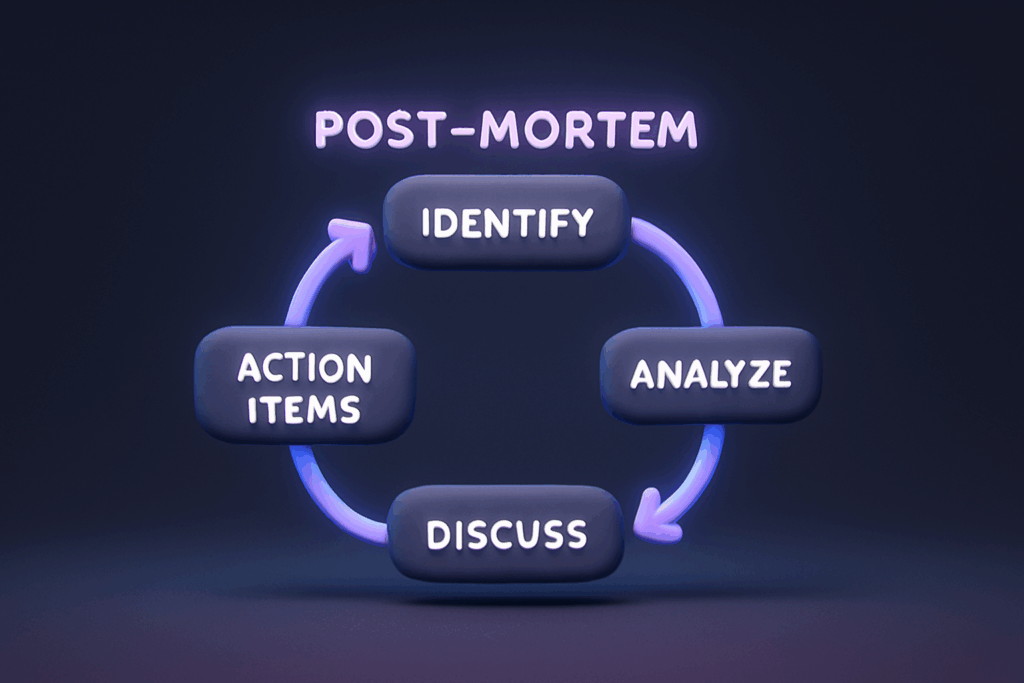
3. The Five-Stage Post-Mortem Framework (Expanded Edition)
- Schedule while the trail is warm. Memory decay starts within hours. Put a 60–90-minute retrospective on calendars within 72 hours of project completion. For high-severity incidents, meet within 24.
- Collect artifacts. Dashboards, timeline screenshots, Jira tickets, Slack threads—anything that shows the raw, un-polished journey. Store them in a single folder so nobody fumbles during the meeting.
- Replay the facts. Assign one facilitator to walk through the event chronologically, exactly as it unfolded. No “should haves,” no color commentary. Visualize with a shared screen or printed timeline.
- Generate insights. Break into small groups to brainstorm causes, then reconvene to cluster themes. Guiding questions (see Section 4) keep curiosity high and judgments low.
- Assign actions. Convert each insight into a concrete task with an owner and deadline. Load them into your workflow tool (we love Teamly for its drag-and-drop board view) before anyone leaves the room.
Case study: A SaaS team saw sign-ups stall after a social launch. Post-mortem timeline revealed approval delays forced last-minute copy changes. Insight: unclear brand voice guide.
Action: content lead drafted a two-page voice & tone doc, reviewed by marketing and dev within one week. Result: next campaign’s CTR jumped 18%.
4. The Golden Questions That Keep Blame at Bay
The right question is a scalpel—precise enough to cut through noise without cutting people. Deploy these in order:
- Expectation → Reality: “What did we think would happen? What actually happened?” Forces alignment on the gap, not the gossip.
- Gap Analysis: “Why was there a difference?” Surfaces silent assumptions and external factors.
- Signal Scan: “What data, warning signs, or gut feelings did we miss—or wisely heed?” Encourages reflection on decision-making funnels.
- Next Time: “What should we start, stop, or tweak in the future?” Translates hindsight into foresight.
Facilitator tip: Allow a full two-minute silence after each question. The pause feels awkward, but it grants introverts airtime and surfaces less obvious insights. Resist the urge to fill the void.
5. Try the Timeline Teardown Template
The humble table is your secret productivity hack. Fire up a shared doc with four columns—Time Stamp, Decision, Outcome, Note. Fill it live while memories are fresh. Patterns reveal themselves:
- Multiple decisions made under ambiguous ownership? Your org chart is foggy.
- Long gaps between decision and action? Approval flow is clogged.
- Repeated last-minute scope changes? Requirements gathering is leaky.
Pro trick: Color-code rows by category (Engineering, Marketing, Ops, External). Visual heat maps expose cross-team bottlenecks faster than any paragraph could.

6. Root-Cause Tools That Don’t Shame
Stop the witch hunt; start the systems hunt. Pair your teardown with one of these diagnostics:
- The 5 Whys. Ask “Why?” repeatedly until you hit a process flaw or assumption. Around iteration four, fingers usually point at tooling or comms—not humans.
- Fishbone Diagram. Draw a fish skeleton, label spines People, Process, Tools, External. Brainstorm causes onto each spine. The visual groupings reduce argument and spotlight multifactor culprits.
- Dot Voting. Give three sticky dots (or emojis) to each participant. Drop dots on the causes that feel most critical. Democratic priority emerges in minutes.
New kid on the block: Fault Tree Analysis. Map events top-down like a family tree, noting “and/or” branches. It forces you to articulate whether multiple causes combined or one alone triggered the failure—handy for technical incidents.
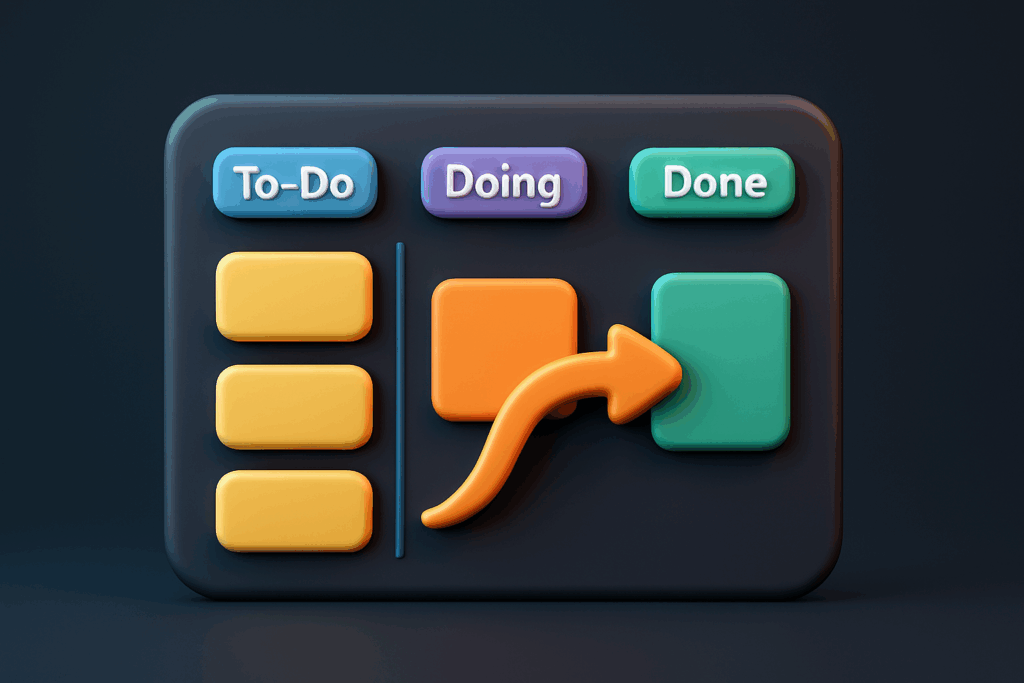
7. Turn Insights Into Action: The Next-Sprint Commitment Board
Insights die in slide decks. Immortalize them in a board everyone sees daily:
| Task | Owner | Deadline | Status |
|---|---|---|---|
| Draft brand voice guide (2 pages) | Jess | Aug 14 | To-Do |
| Automate QA smoke test script | Ravi | Aug 18 | In-Progress |
Drop this grid straight into Teamly’s Kanban view, assign owners, and switch columns as progress happens.
The public visibility sparks gentle peer pressure and instant accountability.
Metric to watch: Action Item Close Rate. Track the percentage of retro tasks completed within the agreed window. Anything below 80% signals either overly ambitious scopes or a follow-through culture gap.
8. Run Lightning Post-Mortems in 30 Minutes
Outage at 2 a.m.? You need answers yesterday. Trim the agenda, not the rigor:
- (5 min) Facts Only. Screen-share the timeline while everyone stays muted.
- (10 min) Breakout 5 Whys. Pairs tackle one branch each, jot notes in a shared doc.
- (10 min) Action Auction. Everyone gets 100 virtual dollars to “buy” the fixes they believe bring the highest ROI. Top three funded tasks win.
- (5 min) Commit & Close. Owners log tasks, Slack summary auto-posts to #incident-channel, meeting ends on time.
Remote-friendly tweak: Replace breakout rooms with an asynchronous Twist thread overnight. People tag root causes, then vote with emoji reactions before the next stand-up. Zero calendar impact, same clarity.
9. Build a Living Library of Lessons
Collective memory beats individual heroics. Spin up a shared wiki or Notion space with these fields:
- Project Name
- Date
- Key Insight (one-sentence headline)
- Resources (links to decks, code diffs, campaign docs)
- Action Status (Completed, In Flight, Parked)
Tag entries by theme—launch, marketing, infra, customer support. In planning sessions, filter by tag to surface relevant “gotchas” before writing a line of code.
Reward teams who consult the library: a shout-out in all-hands or a tiny trophy travels far.

10. Keep the Momentum Rolling
Rituals decay unless refreshed. Rotate one of these variations each quarter to keep energy high:
- Walking Retro. Pair up and stroll outside while discussing insights; regroup to share highlights.
- Meme Wall. Participants drop a meme summarizing the project vibe—cathartic and revealing.
- Silent Sticky-Note Wall. Five quiet minutes to jot observations, then cluster themes in silence before discussion.
- Guest Facilitator Swap. Invite a peer from another team to run your retro; fresh eyes catch blind spots.
Variation prevents autopilot and reinforces that retros aren’t box-checking—they’re mission-critical.
11. Your Next Steps
- Block a 60-minute post-mortem for the most recent initiative today.
- Duplicate the Timeline Teardown template, share it 24 hours in advance, and ask teammates to pre-fill their portions.
- Invite at least one cross-functional voice who wasn’t embedded in the project. Perspective multiplies value.
- Create a Teamly board titled “Post-Mortem Actions – Q3” and preload the column headers.
- Set a calendar reminder in two weeks to review action item progress; make completion rate a standing metric in weekly check-ins.
- After three retros, hold a meta-retro: evaluate the process itself and iterate on format, timing, or tooling.
Do that, and flops turn into footnotes while your team strides forward—sharper, wiser, and unmistakably unstoppable.