

Click the button to start reading
Work Smarter, Not Longer: Teaching Your Team to Prioritize Like Pros
Your calendar looks like a game of Tetris, inbox counters resemble Powerball numbers, and the backlog feels less like a roadmap and more like a ransom note.
Sound familiar? Good news: prioritization isn’t a mystical gift bestowed on a lucky few—it’s a coachable craft.
When every teammate can diagnose real impact, sequence intelligently, and defend focus, the whole machine hums.
This guide hands you the frameworks, rituals, and micro-habits to make prioritization your team’s shared superpower.

The Prioritization Mindset Shift
Most people treat busy as a badge of honor. Flip that script. In high-trust teams, results per hour beat hours worked every time.
Start by celebrating choice—the conscious act of saying no to protect a bigger yes. Make it safe to ask, “Is this truly the best use of our next 30 minutes?” and reward the courage to cut dead weight.
Story Time: Project Avalanche
Marketing agency BrightArc once chased 34 live campaigns at once. Output looked heroic on paper—but conversions stayed flat.
In a radical experiment, the director iced 70 % of work-in-progress to laser in on three bet-the-quarter initiatives.
Two weeks later web leads doubled, and the team logged fewer hours. Moral: focus scales better than brute force.
The Hidden Cost of “Everything Is Important”
When priorities blur, your team bleeds value in four brutal currencies:
- Cognitive overload. Rapid context-switching burns glucose and willpower, crushing deep work.
- Quality drift. Haste births hand-offs riddled with half-decisions and invisible rework loops.
- Morale erosion. Perpetual urgency signals that nothing is truly winnable; burnout follows.
- Opportunity loss. Each low-impact task accepted is a needle-mover deferred.

Diagnose Your Current Reality
- Sticky-note snapshot. During Monday stand-up, have each teammate jot their top three tasks. Cluster on a board—or a shared canvas in Teamly.
- Roadmap overlay. Compare clusters against quarterly OKRs. Anything off-roadmap earns a yellow flag.
- Time-audit flash. Use calendar colors or quick journal entries to track actual hours per task for five days.
The delta between stated priorities and real time investment reveals your hidden saboteurs—random requests, legacy projects, or comfort tasks that feel productive but move no strategic needle.
Five Frameworks That Force Clarity
1. Eisenhower Matrix: Urgent × Important
A vintage classic that still slaps. Map tasks into four quadrants (Do, Schedule, Delegate, Delete). Post the matrix on your wall and in your digital workspace. The visual friction of a crowded quadrant provokes course-correction.
2. MoSCoW: Must, Should, Could, Won’t (for now)
A sprint planner’s best friend. Keep Must below 60 % capacity to leave slack for support and serendipity. Anything marked Won’t earns an automated Teamly reminder in 30 days—just in case.
3. ICE Scoring: Impact × Confidence × Ease
Multiply 1–10 scores to rank experiments in minutes. Pro tip: calibrate Confidence with data, not gut feel—pull last sprint’s conversion rate or customer NPS to ground truth estimates.
4. RICE: Reach, Impact, Confidence, Effort
Popularized by Intercom, RICE shines when resources are thin and trade-offs fierce. Give juniors the calculator—let them see how math dethrones pet projects.
5. WSJF (Weighted Shortest Job First)
Borrowed from SAFe, WSJF divides Cost of Delay by Job Duration. It spotlights high-value quick wins and deprioritizes mammoth tasks with glacial ROI.
Teaching Moments in the Flow of Work
Daily Stand-Ups (5 min)
- After sharing today’s focus, tag it with a framework label (e.g., “Matrix Q2” or “ICE 240”). Repetition hard-codes the vocabulary.
- One teammate volunteers to call out mis-tags—instant peer coaching.
Weekly Planning (30 min)
Kick off Mondays with a ruthless backlog triage: what shifts, ships, or slips? Visualize capacity bars, then pull tasks until the bar turns green. Anything left in red becomes an explicit trade-off—no hidden overtime heroics.
Mid-Week Pulse (15 min)
Wednesday quick-scan: does effort spent so far map to the week’s Musts? If not, migrate tasks or swap owners before the Friday scramble.
Monthly Retro (45 min)
Plot delivered work on a 2×2 plane of Planned × Actually Important. Celebrate bullseyes; dissect busywork. Use the heatmap to recalibrate your scoring rubric.
Micro-Habits That Multiply Focus
- “Big-rock” calendar blocks. Schedule high-impact work as immovable events; let meetings orbit them.
- Emoji priority tags. In chat, mark tasks with ✅ high, ⏳ medium, 💤 low. Familiar, fast, frictionless.
- Focus Fridays. Slack and email go quiet; deliverables move from 90 % to 100 %.
- Priority Playlist in Teamly. A default board hosts the week’s Must-dos. Auto-sort by ICE score.
- Healthy no’s. Model pushback: “Happy to pick this up—what drops to create capacity?” Leadership through boundary setting.
Tool Time: Turning Framework Into Workflow
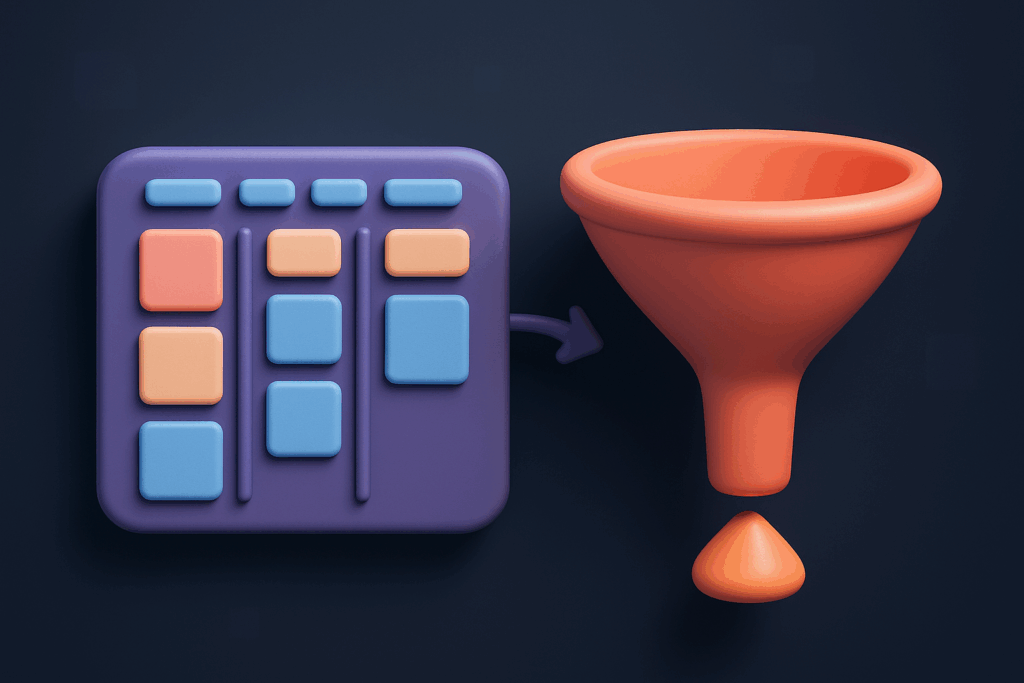
Frameworks live in minds; execution lives in tools. Inside Teamly, spin up:
- Custom fields for ICE or RICE scores—auto-calculate on entry.
- Board views grouped by Matrix quadrant—drag tasks across to update urgency.
- Automations that nudge owners when a low-impact task hogs >8 h.
- Dashboards with Work-in-Progress and Cycle-Time widgets—real-time health checks.
When the app reflects the model, the habit sticks without nagging.
Guardrails & Pitfalls
- Framework Soup. Switching methods weekly confuses brains and boards. Pick one, commit for two cycles, then evaluate.
- Score Inflation. If every item rates 9/10, your scale is broken. Re-benchmark monthly.
- Hero Culture. Spotlight outcomes, not task volume. Celebrate teammates who delete low-value work.
- Stale Backlogs. Archive zombies monthly. Dead weight erodes psychological safety (“Will my work vanish?”) and clutters sprints.
- Meeting Bloat. Prioritization dies when calendars overflow. Implement a “two-pizza rule” for invites and sunset meetings quarterly.
Metrics That Matter
| Metric | Why It Matters | Target Zone |
|---|---|---|
| Work-in-Progress (WIP) | Too many open tasks dilute focus. | <6 items per person |
| Cycle Time | Measures speed from start to finish. Long tails signal bottlenecks. | <14 d (feature) |
| Flow Efficiency | Percent of active vs. idle time. High wait states kill momentum. | >45 % |
| Lead Time to Value | How fast users feel impact. Shorter = happier customers. | Trending down |
| Focus Score (self-reported) | Pulse survey: “Worked on highest priority 80 % of the day?” | >7 / 10 avg. |
From Chaos to Clarity: Your 60-Day Master Plan
- Days 1–7: Run the sticky-note diagnosis; choose one framework; train via brown-bag.
- Days 8–14: Pilot in one squad. Log WIP and Cycle-Time baselines.
- Days 15–30: Expand to the entire team. Bake framework tags into daily stand-ups and Teamly boards. Launch Focus Fridays.
- Days 31–45: Add scoring automation; roll out a dashboard. Start tracking Flow Efficiency.
- Days 46–60: Host a half-day “priority summit.” Review metrics, share wins, refine scoring criteria, and lock the process in the team charter.
Quick-Reference Cheat Sheet
- When in doubt: Ask, “What is the one action that unlocks the next domino?”
- Blocked? Escalate within one hour, not one day.
- Backlog grooming rule: Nothing enters the sprint without a score.
- Healthy tension: Treat priority debates as signal, not conflict. Invite data; decide once.
Remember, mastery isn’t an event—it’s a muscle. With shared language, visual workflows, and the right micro-behaviors, your team will start working smarter, not longer, turning prioritization into a reflex that fuels both performance and sanity.