
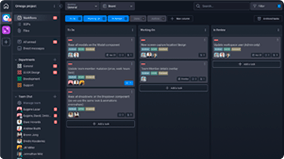
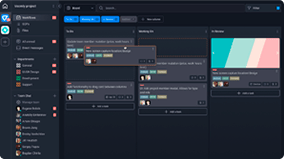
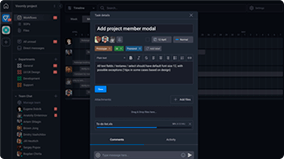
The Social Media Template keeps teams organized by helping them track and manage the content they create for social media platforms.

Roles
- Marketing
- Content Creator
- Design
Sample Uses
Use this template to:
- Provide your team with a space to pose ideas for social media content.
- View where social media-related tasks are in the pipeline.
- Track approvals and revision requests for social media content.
How to Use:
Have your team add ideas for Social Media content to the Ideas column.
Once an idea’s been approved, move the Task to the To Do column, add a due date, and assign it to a Content Creator (or let your Content Creator enter their own due date).
When work begins, the Content Creator moves the Task to the Content column.
Once the content has been created, the Content Creator moves the Task to the Graphics column IF Design needs to create images or related graphics. Otherwise, the Task is moved to the Needs Approval column.